- Shafin Gida /
- Na'urorin Lantarki /
- Computers, Laptops and Tablets /
- Printers & Supplies /
- Firintar /
- Wireless Printers /
- Canon imageCLASS MF284dw - Multi-Function, Wi...
0 ratings





Lambar abu:
140406337
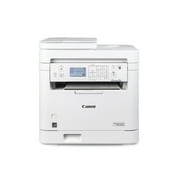
Canon imageCLASS MF284dw - Multi-Function, Wireless, Duplex Laser Printer
Lambar abu:
140406337
XAF 202318
Price Details
Excluding Shipping & Custom charges ( Shipping and custom charges will be calculated on checkout )
*All items will import from Ƙasar Amurika US
0 ratings
Rubuta bita
A Stock
 An shigo da shi daga kantin USA
QTY:
Abu 2 ne suka rage.
Yi Oda yanzu, a samu nan da Sunday, Yuli 05
Secured transaction
Ubuy works hard to protect your security and privacy. Our advanced payment security system ensures confidentiality by encrypting your information during transmission using AES (Advanced Encryption Standards) and SSL (Secure Socket Layer) protocols. Your payment details are 100% secure as we do not share your payment details with third party sellers.
Our Top Logistics Partners


The MF287dw model balances speedy performance and minimal maintenance, making it ideal for small office environments.

Fast
Shipping

Free
Return*

Secure Packaging

100% Original Products

PCI DSS Compliance

ISO 27001 Certified


Note: Step Down Voltage Transformer required for using electronics products of Ƙasar Amurika US store (110-120). Recommended power converters Saya yanzu.


What Stands Out
Wireless Connectivity
Easily connect to multiple devices without the hassle of cables, allowing for seamless printing from anywhere in your home or office.
Automatic Duplex Printing
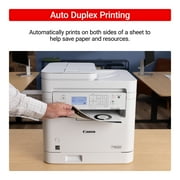
Save time and paper with automatic double-sided printing, enhancing productivity while being environmentally friendly.
Versatile Multifunctionality
Combine printing, scanning, copying, and faxing in a single device, reducing equipment clutter and optimizing workspace efficiency for users.
Bayanin samfur
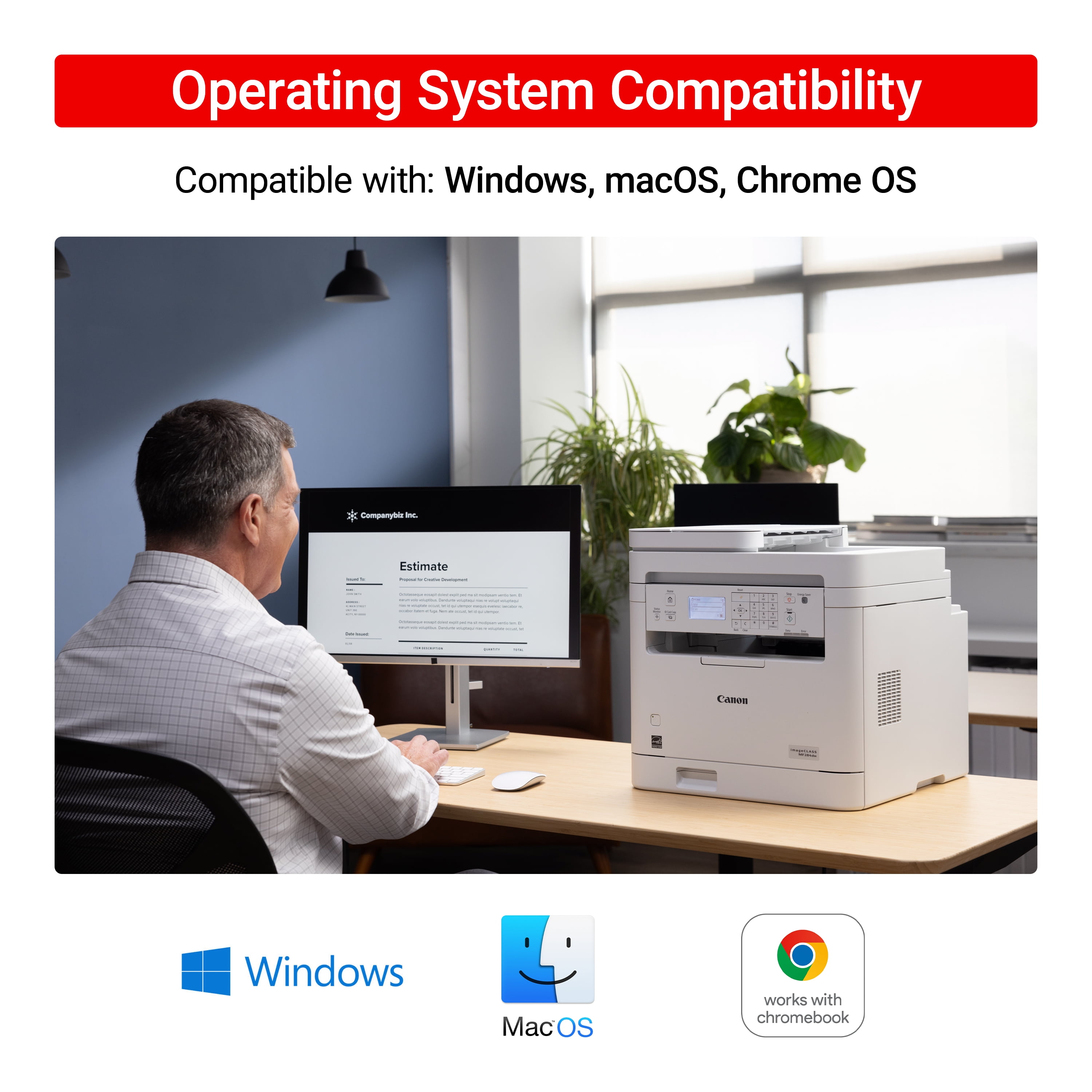
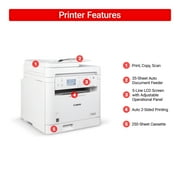
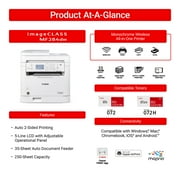
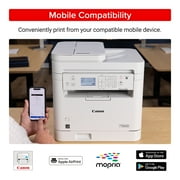
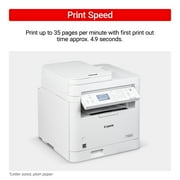
- This monochrome, multi-function laser printer, designed for small and home offices, produces exceptional quality outputs at speeds of up to 35 pages per minute, with your first letter-size print in approximately 4.9 seconds, and can print wirelessly.Fast PrintingPrint up to 35 pages per minute with first print out time of approx. 4.9 seconds.Generous Paper CapacityThe printer holds up to 250 sheets of plain, letter-sized paper and the high-capacity toner option can provide increased printed page volumes.Auto 2-Sided PrintingAutomatically prints on both sides of a sheet to help save paper and resources.Mobile ConnectivityPrint on-the-go with the Canon Print app, Apple AirPrint and Mopria Print Service.35-Sheet Auto Document FeederScan multi-page documents with ease with the 35-sheet auto document feeder.Adjustable, 5-Line LCD ScreenEasily navigate all the features through the adjustable 5-line LCD Screen.
| Brand | Canon |
| Printing tech | Laser |
| Printer functions | Print, Copy, Scan |
| Pages per min. | 35 ppm |
| Mono color | Monochrome |
| Paper size | 3 x 5, 8.5 x 14 |
| Maximum print resolution | 1200 dpi |
| Printed page method | Duplex |
| Has automatic document feeder | Y |
| Wireless | Wi-Fi (IEEE 802.11b/g/n) |
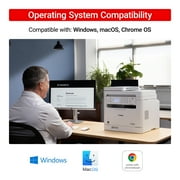
| Compatible OS | Windows®10 / Windows®11 / Chrome OS/macOS 10.14 (or later), iOS, iPadOS |
| Features | Mobile Device Printing |
| Maximum scan paper size | 8.5 x 14 |
| Maximum scanner resolution | 600 dpi |
| Maximum image resolution | 1200 |
| Product multifunction descriptor | 3-in-1 |
| Copy speed | 35 ppm |
| First page print speed | 5 s |
| Maximum print width | 8.5 in (21.6 cm) |
| Maximum print length | 14 in (35.6 cm) |
| Maximum duty cycle | 2,500 pages |
| Input/output type | Wireless |
| Inputs & outputs | Inputs - USB, RJ-45 |
| Model name | imageCLASS |
| Color | White |
| Assembled product height | 15.5 in (39.4 cm) |
| Assembled product weight | 27.6 lb (12.52 kg) |
| Power type | Corded Electric |
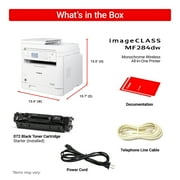
| Accessories included | Cartridge 072 Black Starter (Installed), Approx. 1,000 Page Yield, Power Cord, Documentation |
| Internal memory | 256 MB |
| Ink container type | Toner Cartridge |
| Ink refill code | 5647C001 |
Who Should Buy?

-
Small Offices
Ideal for small businesses needing efficient printing, scanning, and copying with wireless capabilities and duplex printing.
-
Home Users
Perfect for households requiring a reliable multi-function printer for documents, schoolwork, and occasional photo printing.
-
Budget-Conscious Users
Great for users wanting an affordable yet feature-rich printer without recurring ink costs due to its laser technology.

-
High Volume Printing
Not suitable for heavy users as its monthly duty cycle may not handle extensive print demands effectively.
-
Photo Enthusiasts
Limited color accuracy and photo quality may disappoint users focused on vibrant and professional-grade photo prints.
-
Mobile Professionals
May not be ideal for users needing portability, as it's designed for stationary settings rather than on-the-go use.
KWATANCEN ABUN
Kuna da wata tambaya? Yi taɗi da mu
Tambayoyi & Amsoshi na Abokan Ciniki
-
Tambaya:
What types of documents can I print with the MF287dw?
Amsa: You can print a variety of documents including schoolwork, reports, and more from various mobile apps. -
Tambaya:
Is the MF287dw compatible with Chromebooks?
Amsa: Yes, the MF287dw is compatible with Chromebooks for hassle-free printing. -
Tambaya:
What is the warranty period for the MF287dw?
Amsa: The MF287dw comes with a 1-year limited warranty.
Canon Wireless Printers Editorial Review
The Canon imageCLASS MF284dw has garnered a positive reception among users, particularly those seeking a versatile multi-function printer suitable for both home and office environments. This wireless duplex laser printer combines printing, scanning, and copying capabilities, making it a valuable asset for busy professionals and business owners. Reviewers have been impressed with the printer's ease of use and efficient design. The clarity of the 5-inch LCD panel and straightforward button layout contribute to a seamless user experience. Many reviewers noted that the printer supports mobile operations through the Canon Print app, allowing smartphone users to print and scan with minimal fuss. Speed is another highlighted feature, with users appreciating the quick first page print time of under five seconds and Consistent high-quality output at 600 x 600 dpi resolution. The 250-sheet capacity accommodates larger print jobs without frequent paper replenishment, catering well to the needs of offices handling substantial document workflows. While most feedback has been overwhelmingly positive, a few users mentioned the default print settings, which are set for collated and double-sided printing—something they wished could be adjusted more easily. However, the compact design and aesthetic appeal of the machine have added to its overall charm, making many users confident in recommending it to others. In summary, the Canon imageCLASS MF284dw stands out as an excellent choice for those in need of a reliable, multi-functional printer that excels in speed, quality, and usability. **
Customer Reviews & Ratings
18 Ƙimar da abokan ciniki suka bayar
-
5 Tauraruwa
66%
-
4 Tauraruwa
33%
-
3 Tauraruwa
0%
-
2 Tauraruwa
0%
-
1 Tauraruwa
0%
Yi bitar akan wannan Samfurin
Faɗan wa sauran Abokan ciniki ra'ayin ka
Ribobi
- Multi-function capabilities (printing, scanning, copying)
- Fast print speed (first page in under five seconds)
- High-quality output (600 x 600 dpi resolution)
- Large 250-sheet paper capacity
- User-friendly interface with a clear LCD panel
- Easy setup and connectivity (USB and Wi-Fi)
- Supports mobile printing through Canon Print app
Fursunoni
- Default settings may require adjustment for collating and one-sided printing
Product Price History
Sanarwa mai amfani
- Iyakoki: Don Abubuwan da aka yi sufurin su daga ƙasashen waje, a lura da cewa garanti ɗin mai ƙira ba lallai ya yi aiki ba; wajan neman taimakon mai ƙira ba lallai ya samu ba; kuma Littafin Sanin yanda abu yake aiki, hanyoyin tsaro da umarni ba lallai ya kasance a yaren ƙasar mai siya ba; Samfurin kaya (da sauran kayan haɗi) ba lallai ne an ƙera su a bisa tsarin ƙasar da za a kaya kayan ba, da ƙayyadaddun bayanai, ko dokar yin alama ko laƙabi; kuma ba lallai bane samfuran kayan su dace da ma'aunin wutar lantarki na voltage ɗin kasar da sauran dokokin ƙasa na wutar lantarki (wanda za'a buƙaci amfani da na'urar adafta ko na'urar canza launi idan ya dace). Mai karɓar kaya shi/ita ke da alhakin tabbatar da cewa samfurin da aka siya za'a iya shigo da shi ƙasar da za'a kai a bisa dokar ƙasar. A yayin yin oda daga Ubuy ko masu alaƙa da su, mai karɓar oda ne mai shigo da kaya, kuma dole ya/ta tabbarar da cewa ya/ta bi duka dokokin ƙasar da za'a kai kayan.
- Ba dukkan abubuwan da aka saka a kan Ubuy bane na sayar wa, don Ubuy wajen bincike ne na duk duniya. Duk wani Samfurin abu yana da dokokin shige da fice na ƙasashe da kuma dokokin siye da sayar wa.
XAF 202318
Yi Oda yanzu, a samu nan da Sunday, Yuli 05
This item is not restrict in my country.(Please click on above link if this item is not restrict in your country, So our team will review and allow.)
QTY:
Abu 2 ne suka rage.
Secured transaction
Ubuy works hard to protect your security and privacy. Our advanced payment security system ensures confidentiality by encrypting your information during transmission using AES (Advanced Encryption Standards) and SSL (Secure Socket Layer) protocols. Your payment details are 100% secure as we do not share your payment details with third party sellers.
Our Top Logistics Partners
Fastest cross-border delivery
Fasaloli & Fa'idoji
- Wireless 3-in-1 functionality: print, copy, and scan.
- Print speed of up to 35 pages per minute (black and white).
- Convenient 250-sheet standard cassette and a 35-sheet automatic document feeder.
- Compatible with various mobile printing options including Canon PRINT app and Apple Airprint.
- Auto 2-sided printing for resource savings.
- Backed by a 1-year limited warranty and Canon's reliable service support.